How to Choose TV Size for a Room
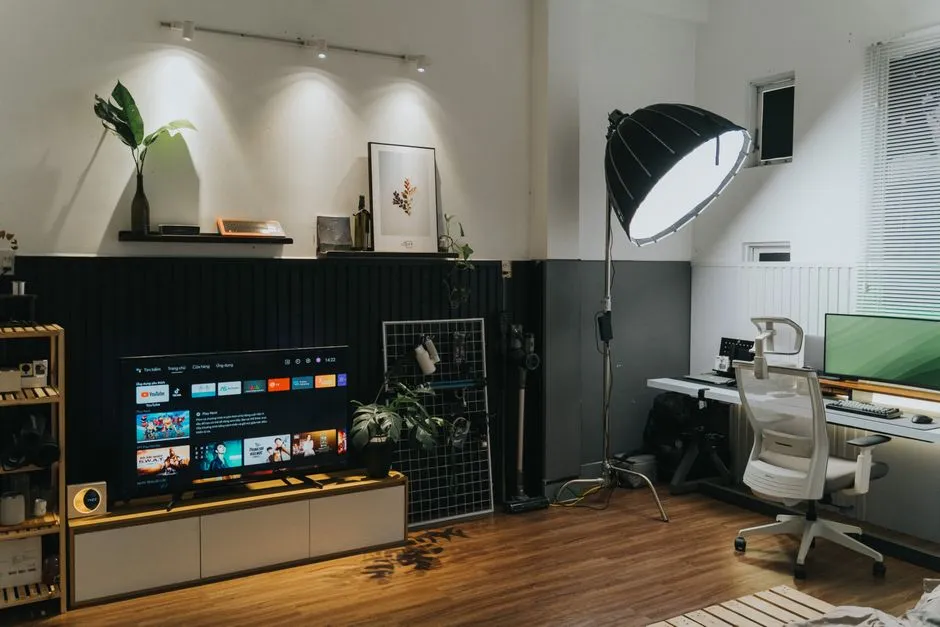
Choose TV size from the seat, not the sales floor
Television size is measured diagonally across the viewable screen, not including most of the frame. The right diagonal depends on viewing distance, content, eyesight, desired immersion, room traffic, furniture, and image quality. A showroom makes screens look smaller because the wall is enormous and your sofa has mysteriously failed to attend.
Mark candidate sizes on the wall
Use painter's tape to outline the published width and height of each candidate, not just its diagonal. Exact outer dimensions vary by model. Sit in the normal position and watch the rectangle for several minutes. Check whether your eyes can take in subtitles and action comfortably without constant head movement.
Repeat from side seats. A larger screen changes the angle to its edges and may reveal panel limitations. See the viewing-angle guide for a seating-wide check.
Match distance to desired field of view
Closer seating or a larger screen creates a more immersive field of view. That can suit films and games; casual news viewing may feel overwhelming. Farther seating or a smaller screen feels relaxed but can make text and fine detail difficult.
Formulas are useful starting points, not laws. Personal preference, eyesight, and content override a tidy division problem. Test with a projected image, cardboard outline, or temporary screen if possible.
Consider source quality
Large screens reveal compression, noise, weak broadcasts, and low-resolution video more readily. Clean 4K sources can support closer viewing than soft material. Read 4K versus 1080p before assuming pixel count is the only quality issue.
List what you actually watch. A household dominated by high-quality films and modern games may choose differently from one watching compressed channels and old home video.
Protect sight lines and movement
Check door swings, walking paths, windows, speakers, shelves, radiators, fireplaces, and vents. A screen should not block controls or invite people to brush its edge. Plan a stable stand or compatible mount and leave required ventilation space from the exact manual.
Consider screen-center height from the primary seat. Excessive height can cause neck discomfort, while placing it too low may invite furniture or people to block the image. A tilting mount changes angle but not structural safety.
Include the complete footprint
The listed diagonal does not reveal stand width, foot depth, cabinet clearance, soundbar space, cable bend radius, or delivery route. The measuring checklist covers those unglamorous details that become extremely glamorous when the box reaches a narrow stairwell.
Test comfort over spectacle
At a store, stand at your home distance and watch ordinary scenes, subtitles, sports pans, and menus. Avoid choosing after thirty seconds of slow aerial landscapes. Notice eye movement and whether faces feel natural in scale.
If torn between two sizes, tape both outlines and live with them for a day. Ask every regular viewer, including the person assigned the side chair by family democracy.
Make a room-based decision
Choose the largest screen that remains comfortable, fits safely, preserves sight lines, and suits source quality and budget. Then verify exact dimensions and weight on the manufacturer's current specification sheet and manual. The ideal number is not universal; it is the one that disappears into viewing instead of spending every episode reminding you that you bought a very large rectangle.